
Cut the mask and holes
The system supports two methods for cutting holes in the water surface.
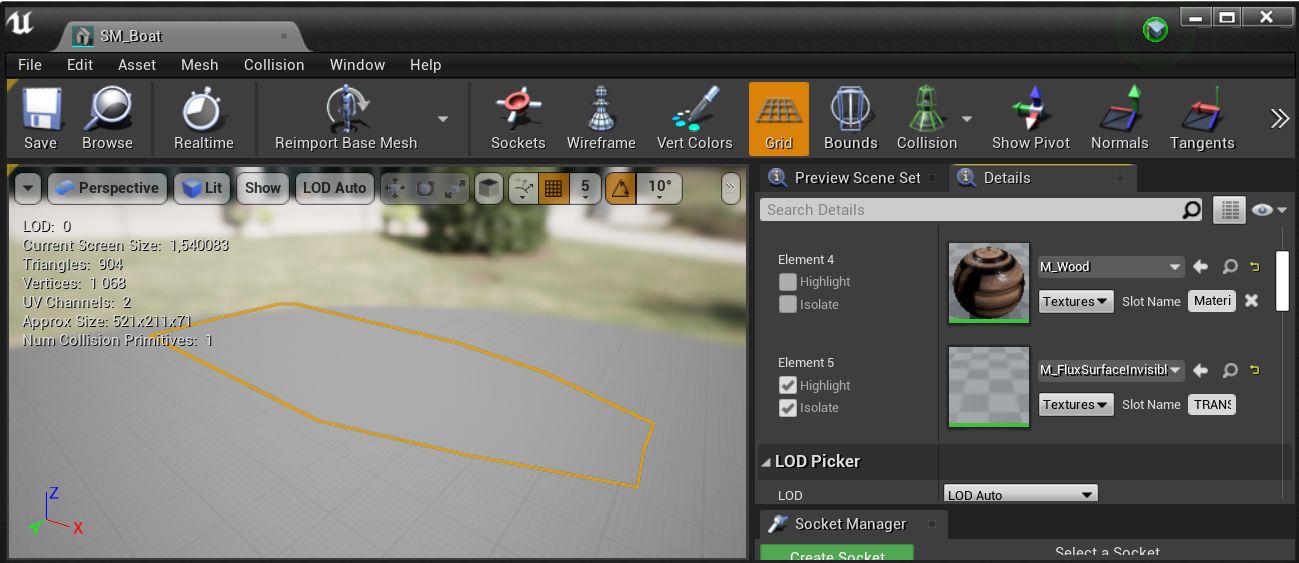
The first method is somewhat complex and is designed for small boats. Look at the example boat mesh (Demo/Environment/Boat/SM_Boat) that uses an additional cap mesh with the M_FluxSurfaceInvisible material. The M_FluxSurfaceInvisible renders translucent materials using the Single Layer Water mode, which overrides the water surface and makes it invisible.
The second method for cutting holes requires the BP_FluxSurfaceCutMask actor, which defines the rectangular area to remove. Unfortunately, only one cut mask per surface actor is currently supported.
Drag and drop the
BP_FluxSurfaceCutMaskactor into an area where you want to cut out the water.Select the
BP_FluxSurfaceactor in your level and set the newly created actor to the CutMaskActor attribute.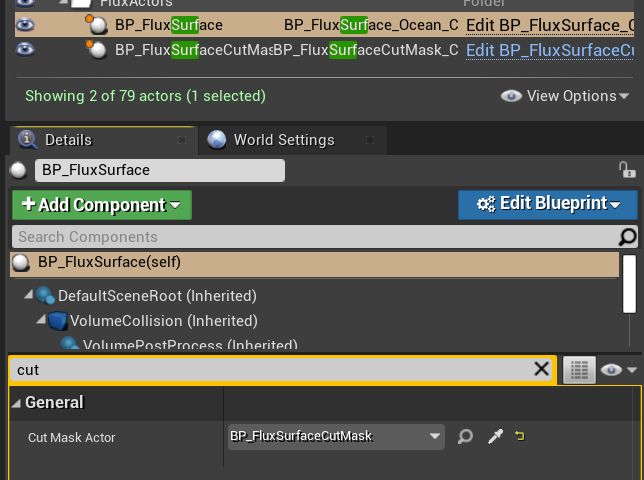
Example cut mask implementation presented on the
FluxBeachMap.